Attention all members!
Have a cool ride? Then show it off on our website! All vehicles welcome!

Eclipse CD7200 MKII time align help

Post a reply

Confirmation code
Enter the code exactly as it appears. All letters are case insensitive.
Smilies
:awesome: :argh :ditto :inout :words :bow :cheers: :bigwink: :fing02: :sad017: :scorp: :o :D ;) :p :unwell028 :tongue017 :thumbsup :surprised :sm29: :angry011: :angry015: :angry012: :nono: :angry010: :nono :banghead :mad: :dif :angry :CRZ_13: :eek: :confused: :confused0 :confused :( :sad: :cool: :dance :mecry: :jesterlol :embarrass :flame: :doh :evil019: :evil001: :rolleyes: :sub:
View more smilies

BBCode is ON
[img] is ON
[url] is ON
Smilies are ON

Topic review
   

Expand view Topic review: Eclipse CD7200 MKII time align help

by NorthQuad » Sat Mar 21, 2009 7:36 pm

That screen is a little larger than I thought (which is good).

I wish there was an Eclipse dealer around here. It's the only reason holding me back from buying a deck. I had my mind made up yesterday and was going with Pioneer. Because it's right here in town. But everytime I see and read more of the Eclipse, the more I want it.

Thanks for posting the shots Cool-G.

by cool mr grinch » Sat Mar 21, 2009 7:06 pm

i'll go see exactly how i switched it and let you know.

when you go into S/A you choose either vertical or horizontal S/A and hold enter for a couple seconds, then it should work.

by JeremyC » Sat Mar 21, 2009 6:59 pm

Yeah but mine does it from the bottom like a rta.

by cool mr grinch » Sat Mar 21, 2009 6:20 pm

when you go into the menu, you go into display-Disp typ-S/A.

by JeremyC » Sat Mar 21, 2009 6:08 pm

Dude how did you get to that display?

by cool mr grinch » Sat Mar 21, 2009 5:37 pm

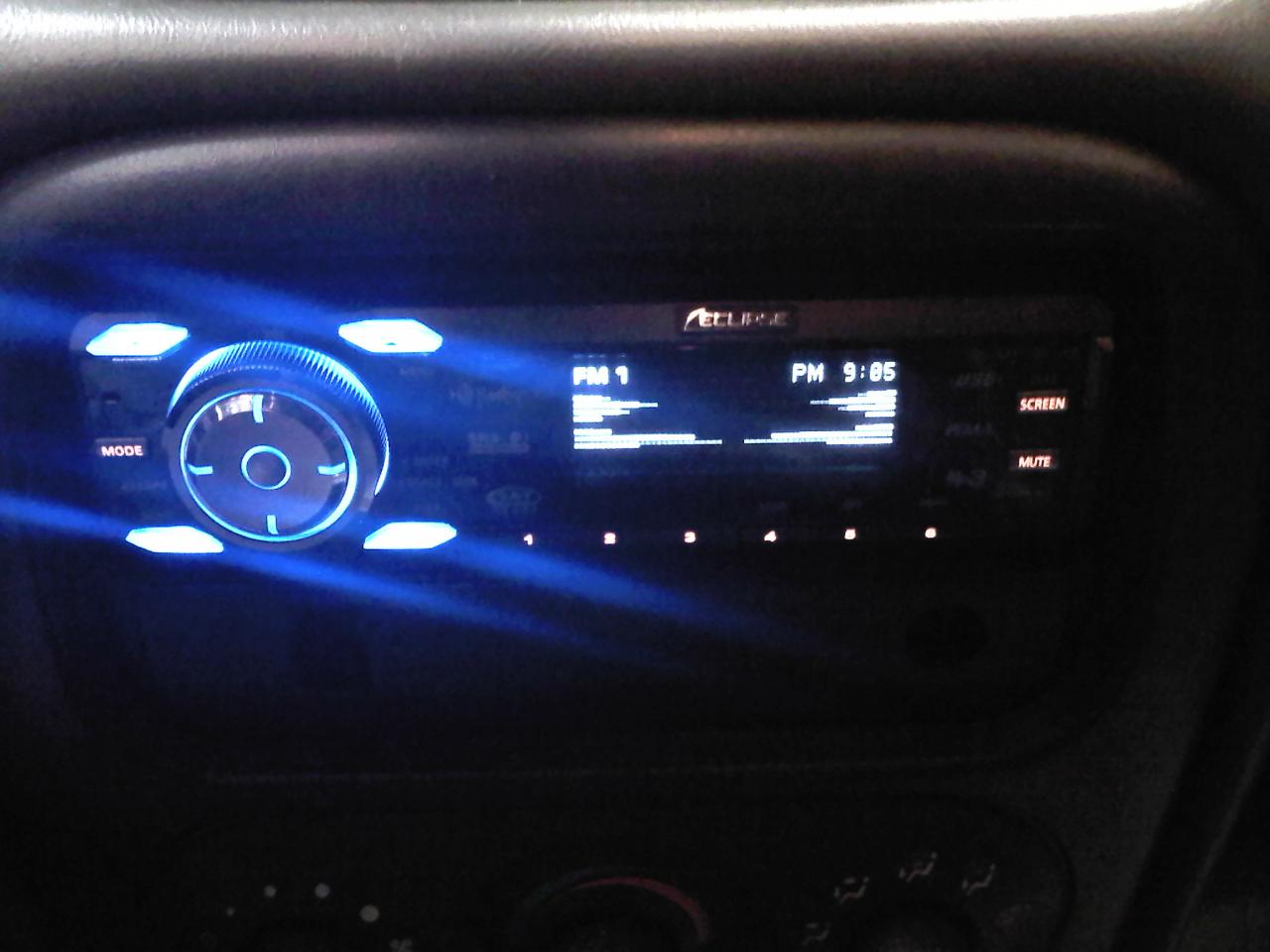
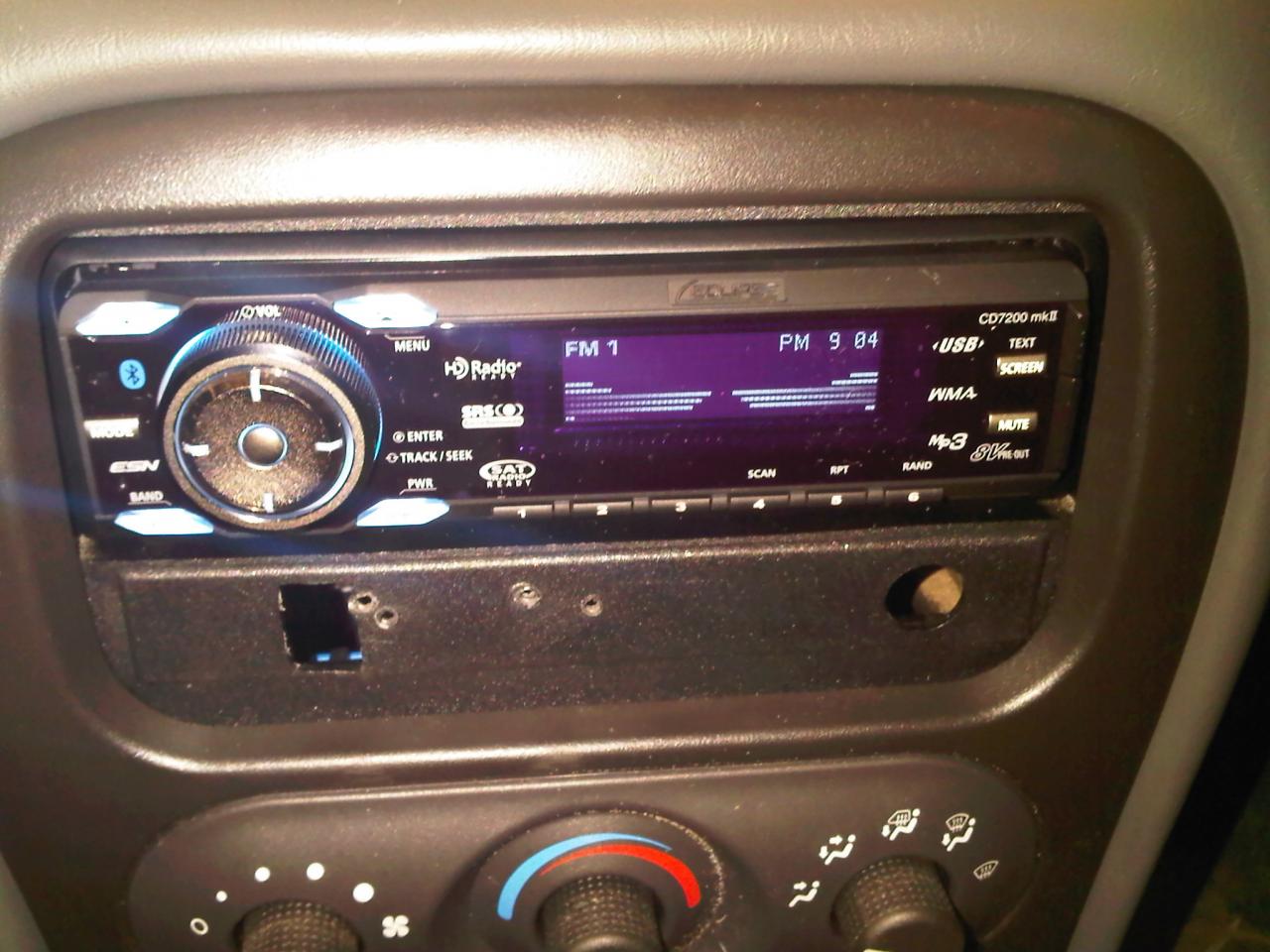
the bluetooth in this think is freakin awesome, i called 2 people to check clarity and i was very impressed with both, it limits the system to only the front sound stage and is very clear, i laid my blackberry in my center console and they could still hear me clear. sound from the system is nice as i am learning to adjust, there are alot of settings, bass is powerful, still working with mids and highs to get ear pleasing clarity. i turned my amps all the way down and back up maybe a quarter turn, preout voltage seems to be adjustable. here are 2 pics.
Attachments
IMG00065-20090321-2025.jpg
IMG00065-20090321-2025.jpg (80.21 KiB) Viewed 669 times
IMG00063-20090321-2024.jpg
IMG00063-20090321-2024.jpg (127.33 KiB) Viewed 668 times

by NorthQuad » Sat Mar 21, 2009 1:38 pm

Sweet deal. Pics would be awesome!

by cool mr grinch » Sat Mar 21, 2009 1:08 pm

the screen is nice clean but plain, its like an older style dot matrix but with finer dots and no colors, its basically gray and white. it does have an active display. glare i cant say yet, car is in the garage, but i seem to have less problems reading whats on this screen compared to my old kenwood unit and even the alpine unit, i'll post some pics later, i'm still playing with sound.

by NorthQuad » Sat Mar 21, 2009 11:50 am

How is the screen? Easy to see? Attractive? Reflective?

by JeremyC » Sat Mar 21, 2009 9:49 am

look in the manual on the eclipse web site.

It tells you how to measure it all out, and convert to MS

Top