What's New at Car Audio Central
Stay informed with the latest news and updates from Car Audio Central. Here, you'll find information on new features, recent changes, and exciting announcements. Discover what's new on our site and keep up to date with everything we have to offer.
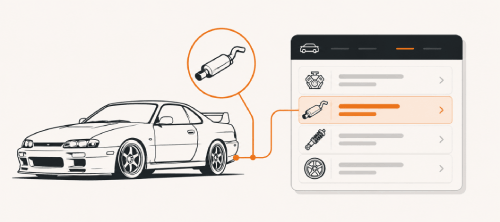
Your Builds, Your Parts: Introducing the Mods List
Every ride page now has a The Mods tab showing everything on the car, organized by category. The best way to add parts is straight from your build logs. Parts added there will include a direct link back to that build so visitors can read the full story behind them. Parts added through a series will appear across every page automatically.
You can also add parts directly from your ride page, though these won't have a build link attached.
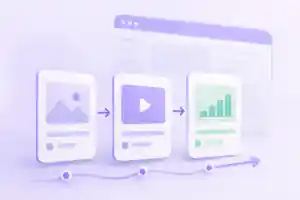
Link your build pages into a series!

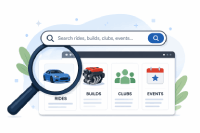
Improved Search

Share Your Build Pages
Posted your build? Great. Now share the link.
Use the built-in sharing buttons to easily post your build page to Instagram, Facebook, forums, wherever. Those backlinks help your project show up in search results when people are looking for builds like yours. Plus, it brings more people to the site.
More eyes on your ride, better search rankings, more users. Win-win. Hit those share buttons and spread the word.

Get your project featured!

Track Your Ride's Progress with Weekly Insights
We've added a new feature that sends a weekly summary of your ride and build page views. It's an easy way to see what's getting attention and when. You can update your preferences any time in your settings.

New Feature: Weekly Build Updates Newsletter
Stay connected with the rides that excite you most! You'll now receive weekly email updates showcasing the latest build progress on all the rides you follow.
From construction milestones to behind-the-scenes developments, never miss a moment of the action. You can customize your newsletter preferences anytime in Settings.

Spread the Word About Your Ride
Social sharing buttons are now available on all ride and build pages! Share to Facebook, X (Twitter), email, or copy the link to share anywhere.
We encourage sharing your content across platforms - it helps showcase your car and brings new members to our community.

New Feature: Browse Our Complete Vehicle Inventory
We're excited to announce a new way to explore our inventory! Our Browse page now lets you search for rides by make and model, covering all cars and trucks available on our site. Whether you're looking for a specific brand or want to compare models across different manufacturers, our new browsing feature makes it easier than ever to find exactly what you're looking for.
Check out the new Browse page

Enhanced User Mentions in Comments
We've enhanced the comment section with improved user mentioning functionality. The user experience has been streamlined for easier use across all devices. On mobile, simply tap the @ button and type the username you'd like to mention in your comment.

Image uploading improvements
You asked, and we took action on improving the image uploading process on the user rides and build pages, by implementing these new features.
- Drag/drop: You can now select images from multiple folders and you will see a preview of the images that will be uploaded. You can also remove images from the queue.
- Progress bar: You will see a progress of the uploading. So no more wondering if it's working or not!
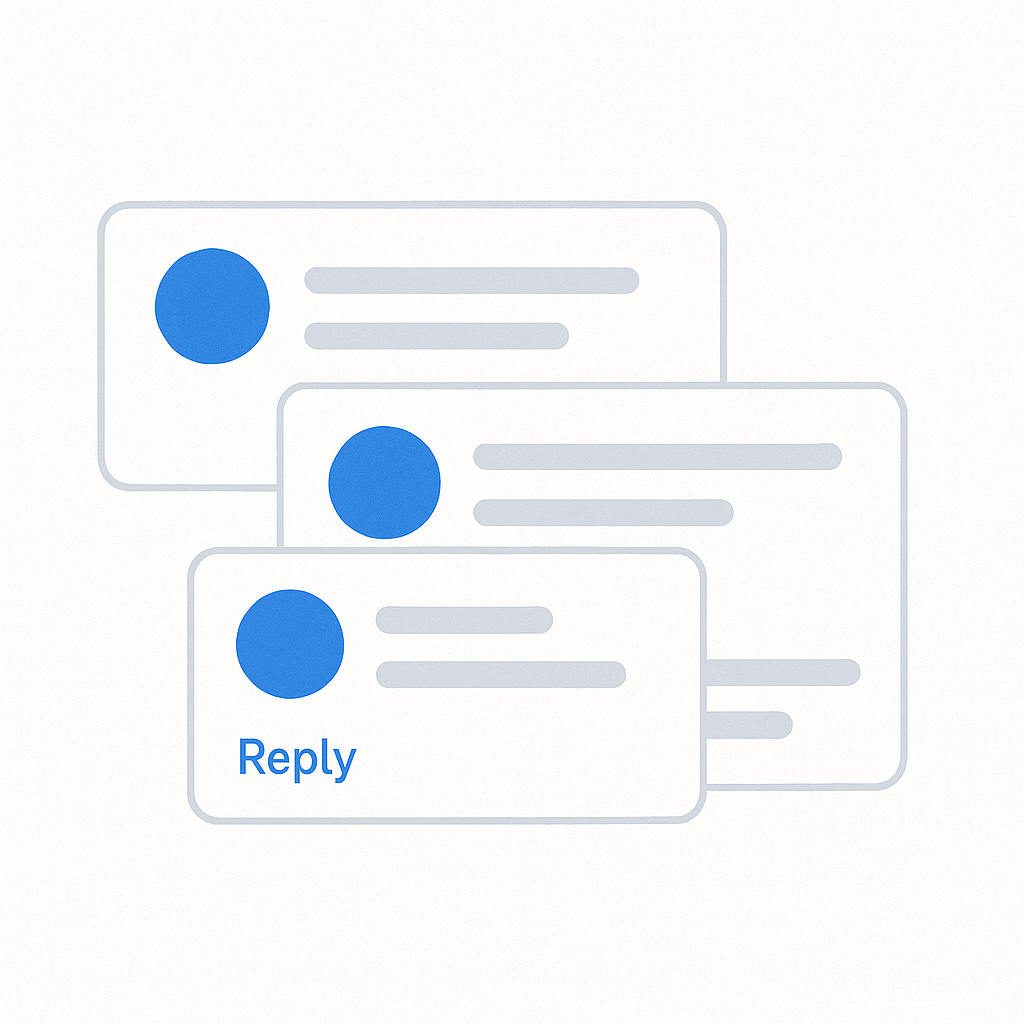
Comments improvements
Based on your feedback, we've made some improvements to the comments feature. You can now reply directly to another user in comments (currently only on main ride pages, build pages coming soon).
This allows you to have more unique conversations with each user instead of previous global commenting system

Build post order and Pinning!
Small update to the user ride page, the build order is now by date and TIME. This small change was done because users were finding that if they submitted multiple builds on the same day, the builds might not quite show in the order they intended.
PinningTo go along with the above,you now have the option to pin builds to the top of your ride page. Think of these as builds that you always want users to see and not get buried toward the bottom of your builds list. You can set as many pins as you would like. Pins are sorted by date/time

Even more build log updates
More Build page improvements